F33A Review – A deep dive into this iconic tourer for X-Plane pilots
I’ll start my review by saying that this aircraft is not just for general aviation enthusiasts. Airliner fans and dedicated simmers will appreciate this meticulously crafted, training-level aircraft packed with immersive details, developed by Thranda as part of its renowned Dynamic Generation Series (DGS).
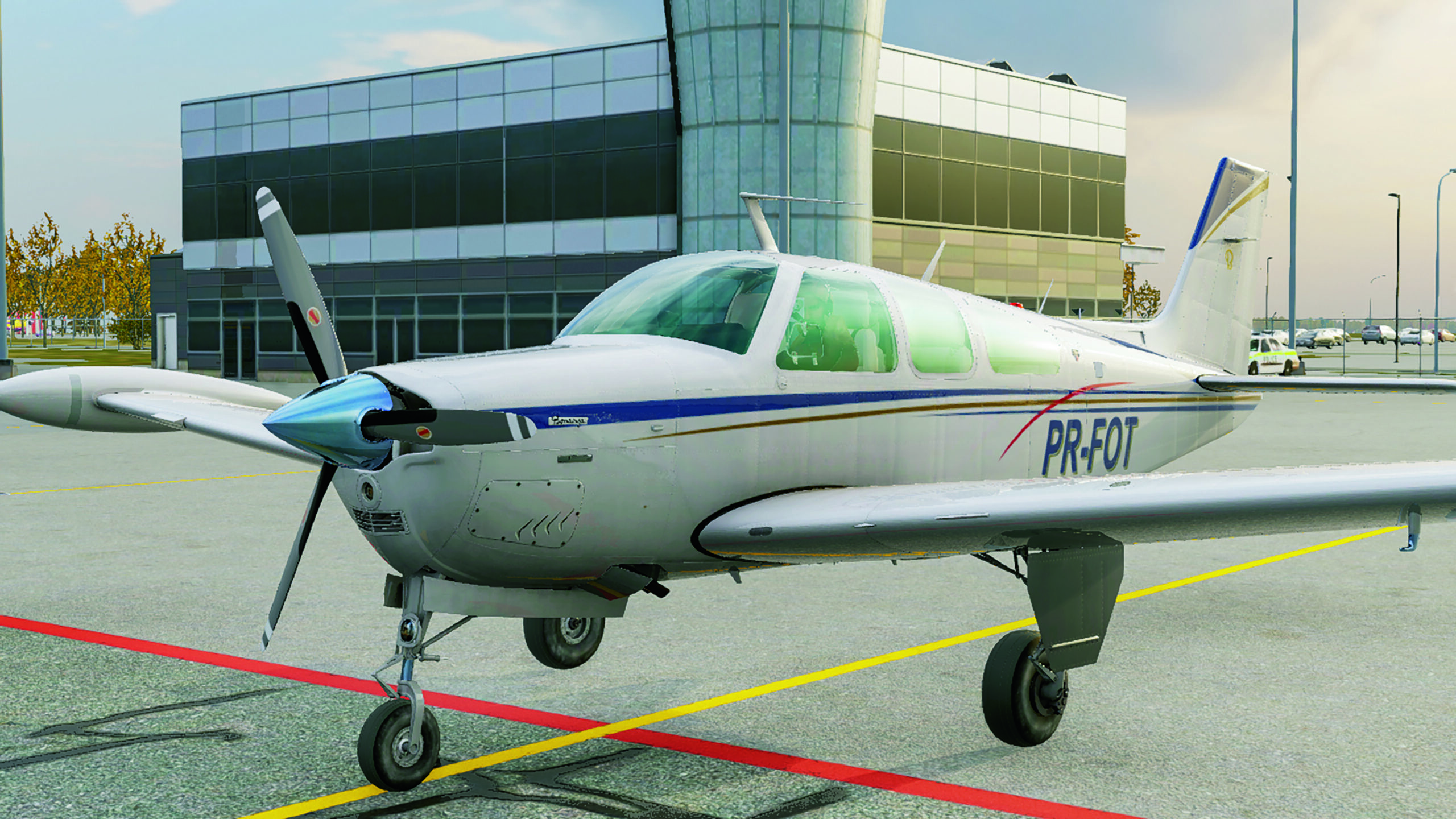
What do you get at first glance? It’s a single-engine aircraft with ample space for passengers and cargo alike – the 8K-quality exterior textures are stunning, and you can easily adjust the realism level to match your preferences.
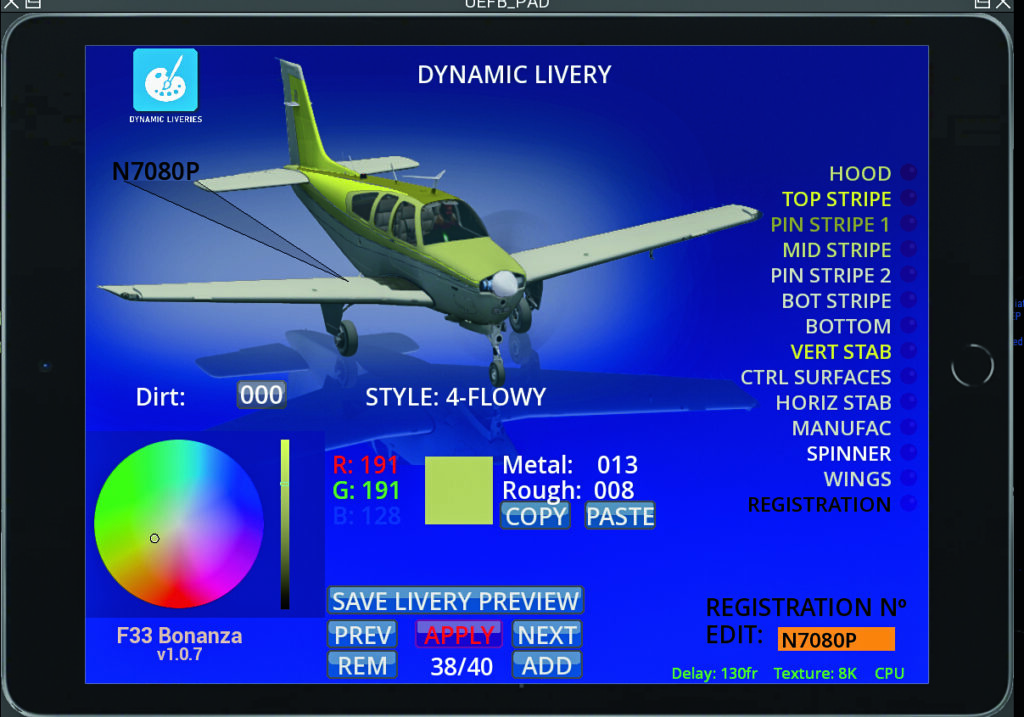
The aircraft includes a range of static liveries, and even lets you create your own designs directly within the simulator using the EFB. It offers multiple instrument panel layouts, or the flexibility to design your own, along with seamless integration with third-party avionics, realistic sound design, detailed lighting and an intuitive weight and balance setup.
Updates are applied effortlessly. Ideal for training or short-haul flights, this aircraft supports advanced navigation systems and ILS approaches. I’ve been flying it since its release last September, now on version 1.0.7, which is the latest as of this article’s publication. We’ll cover as many details and features as possible in this review.
The aircraft
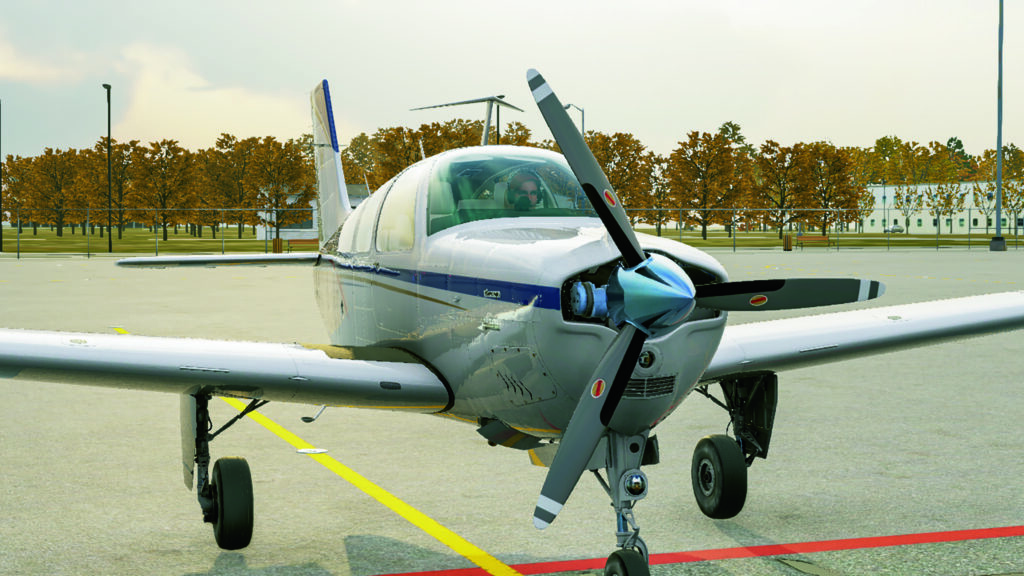
The Beechcraft Bonanza F33A was produced between 1970 and 1995, with approximately 1,800 units built during its run. It’s a versatile, high-performance single-engine aircraft featuring a conventional straight tail design (Ed: as opposed to the V-Tails on the Model 35s) and is powered by a Continental IO-520-BA engine delivering 285 horsepower. It offers a spacious cabin that can comfortably accommodate up to six passengers.
Thranda’s rendition of the Bonanza includes five seats along with a small cargo compartment, striking an ideal balance between utility and comfort. Notable highlights include its refined handling characteristics, impressive cruise speed for its class (ranging between 172 and 182 knots) and a service ceiling of 18,000 feet. Let’s take a closer look at its standout features.
Customisable instruments
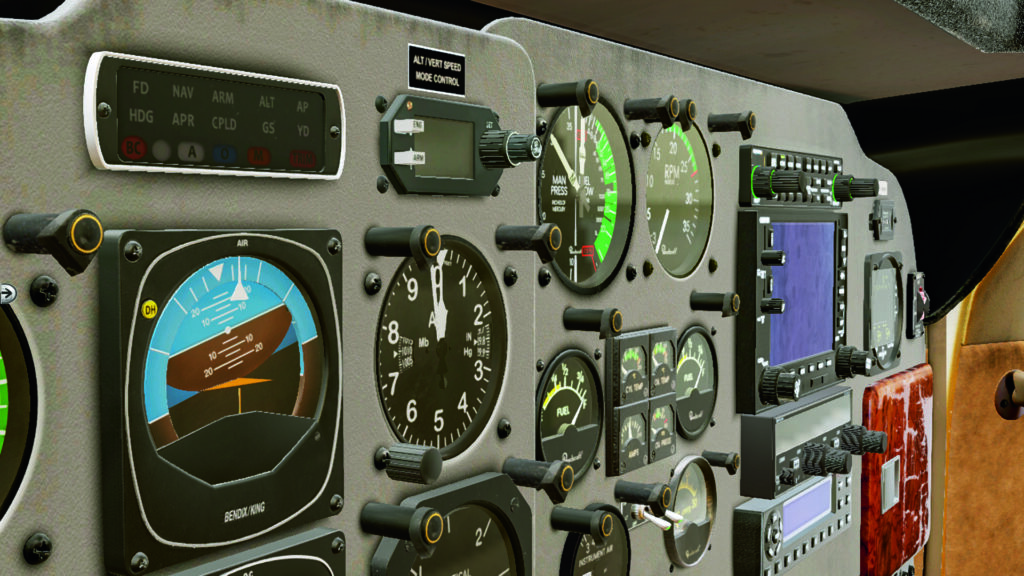
The aircraft is shipped with a fully customisable instrument dashboard with multiple preset layouts, catering to both classic analog enthusiasts and fans of modern glass cockpit designs. Pilots can choose between traditional steam gauges or the sleek Garmin G1000 avionics suite, ensuring there’s something to suit every preference. Beyond that, users can freely rearrange instruments, swap their positions and save personalised layouts as custom presets.
Modern navigation aids are also well represented, with the inclusion of the GNS540 and GNS430 modules, all accessible through the enhanced EFB design interface. Furthermore, these configurations fully support third-party avionics systems such as the GTN750Xi and GTN650 from TDS and RealityXP.
Flying the Bonanza
As expected from X-Plane, the Bonanza delivers outstanding flight model realism and authentic aerodynamic behaviour. It responds naturally to changes in weight and balance, such as when the fuel load is uneven, it subtly banks towards the heavier side.
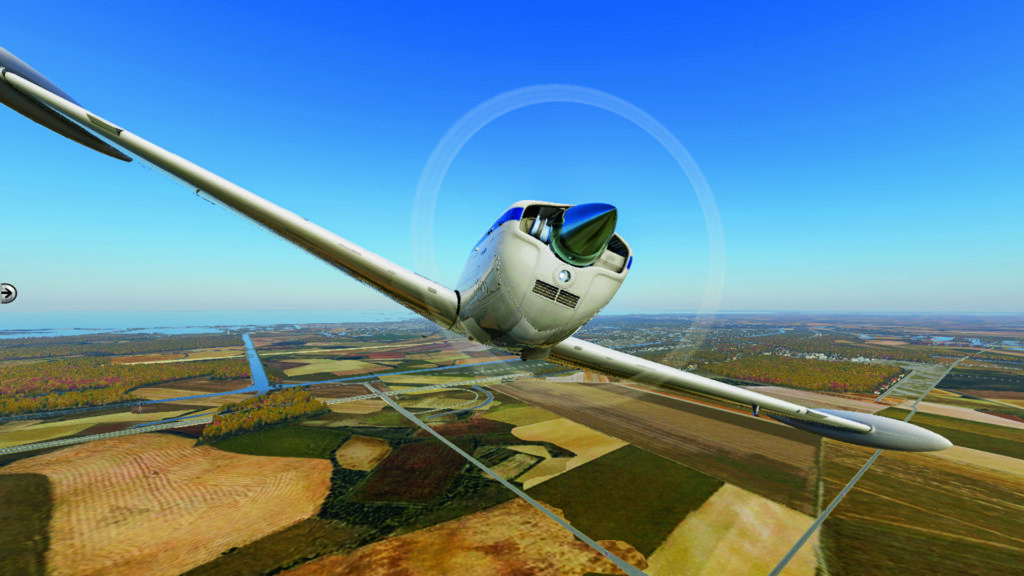
The nature of the Bonanza means that it performs exceptionally well under both VFR and IFR flight rules. I enjoy relaxed, low-altitude cross-country flights, safe in the knowledge that the plane can tackle full IFR procedures with ease. It supports a range of precision approaches – the included Garmin G1000 suite can be selected from the EFB, while the analog cockpit supports GPS navigation via the GNS units and third-party avionics such as the RealityXP or TDS GTN750Xi and GTN650 modules, both featuring intuitive touchscreens. Note that the GTN750/650 packages are sold separately by their developers.
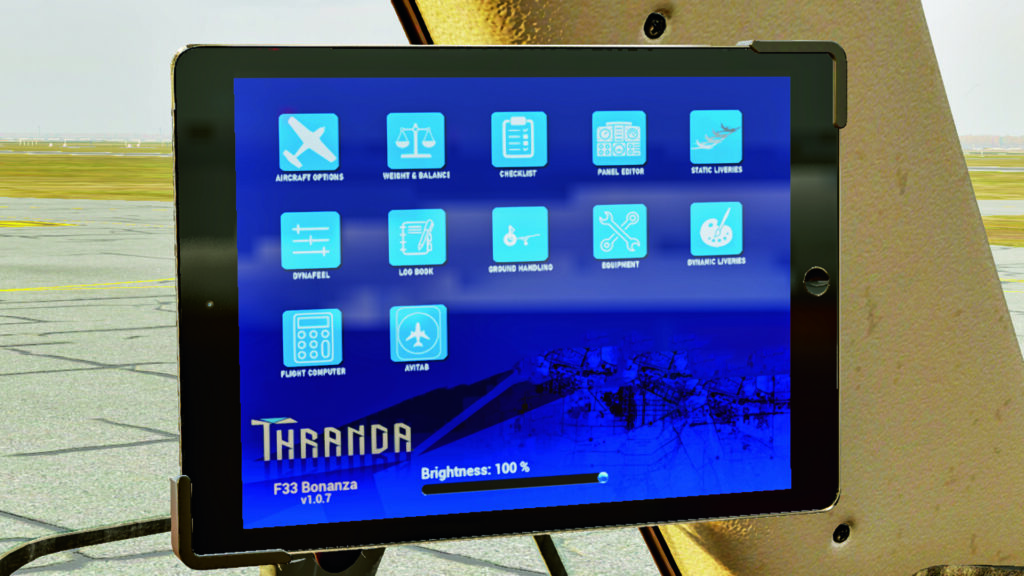
With just a few clicks, the EFB lets you manage a wide range of aircraft settings and features. You can open doors and hatches, attach a mini GPU or a small pushback tug, customize your dashboard layout, create and apply liveries, adjust weight and balance, and operate the AviTab plugin, all from one intuitive interface.
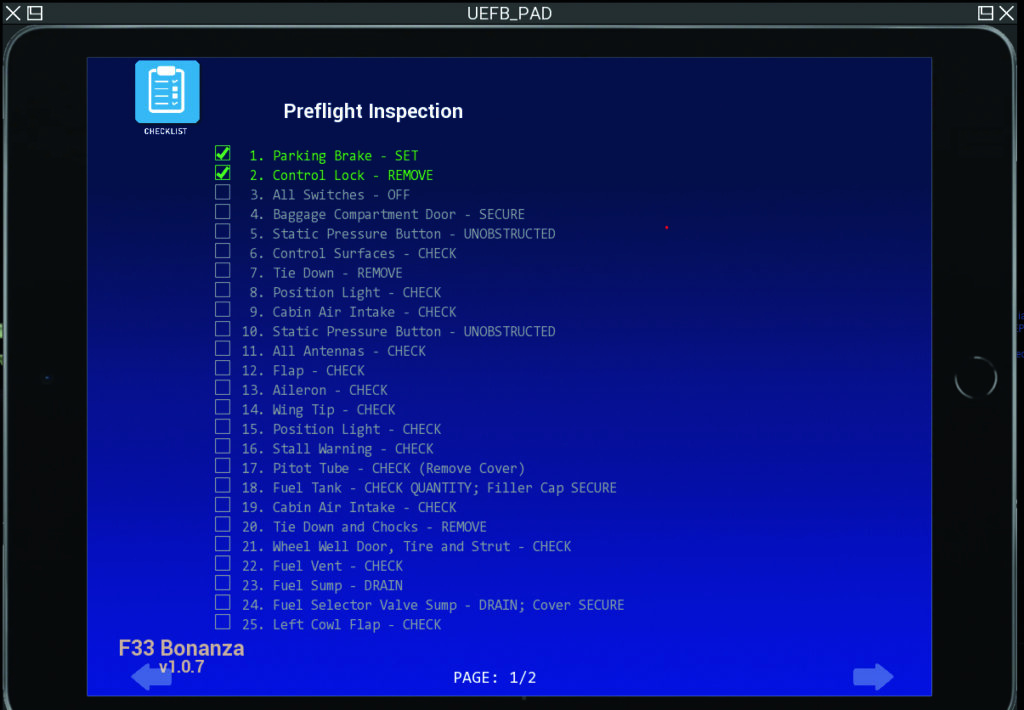
A great feature that adds an extra touch of realism is the inclusion of complete operational checklists, conveniently accessible through the EFB. These interactive lists, featuring tick boxes, guide you through every phase of flight – from cold and dark startup all the way to shutdown – ensuring a smooth, authentic workflow that mirrors real-world procedures.
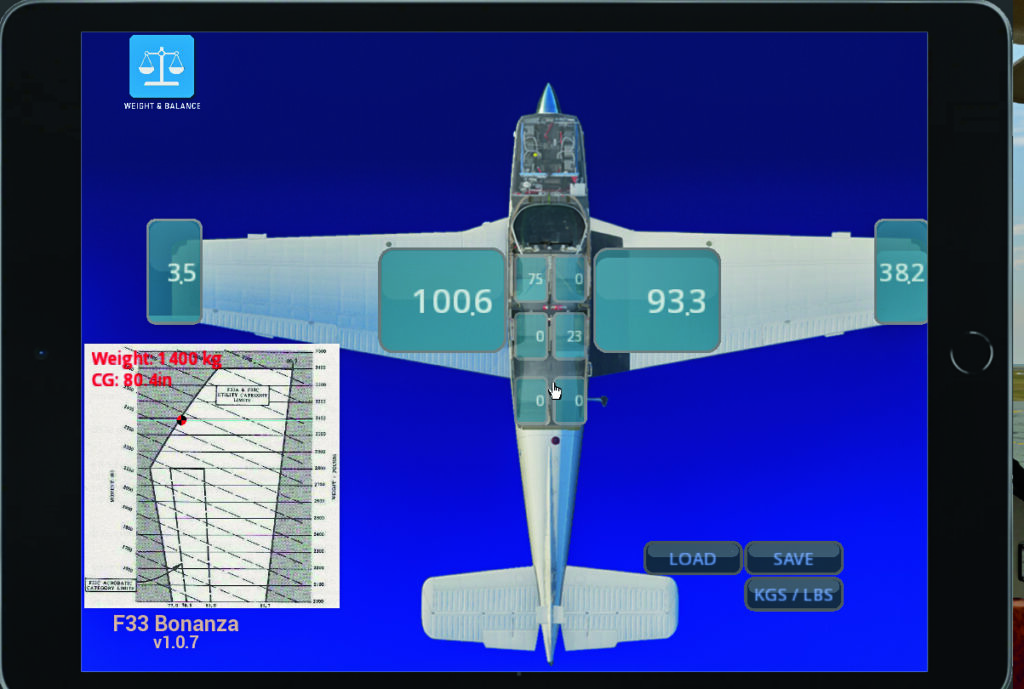
The main fuel tanks are housed within the wings, offering ample capacity for long-distance flights. For those wanting to stretch their range even further, optional wingtip tanks can be attached to provide extra fuel. However, this realistic add-on comes with a trade-off — just like in the real aircraft, the added weight and drag affect performance and balance. Uneven fuel distribution may even cause a subtle roll towards the heavier wing, a detail that perfectly captures real-world physics.
X-Plane’s audio capability shouldn’t be underestimated, and the Bonanza F33A delivers exceptional audio fidelity. From the multi-layered engine sounds to the crisp clicks of cockpit switches and the subtle rush of wind over the fuselage, powered by the FMOD sound engine, every detail has been well captured. The result is an immersive experience, especially when flying in VR. However, I found the sound level to be a bit low inside the cockpit, which is an area that Thranda could enhance in future updates.
Difficulty sliders
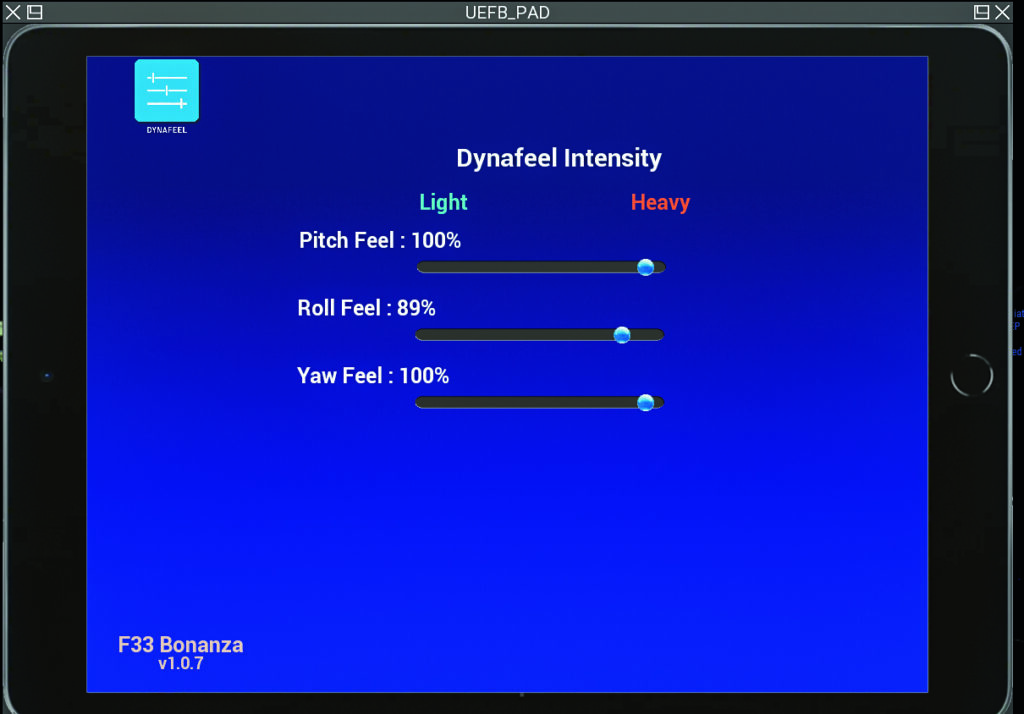
With Thranda’s innovative DynaFeel feature, you can fine-tune the aircraft’s aerodynamic realism on a scale from “Zero to Hero.” This system allows you to adjust pitch, roll, and yaw sensitivity from 0% – ideal for beginners seeking smooth, forgiving controls – up to 100%, which delivers maximum realism suited for experienced simmers and student pilots.
Beyond enhancing realism, DynaFeel helps you match the control response to your specific hardware and is a sophisticated system that captures the nuances of increasing aerodynamic forces with increasing airspeed, allowing you to recreate this effect for a range of controllers. For example, I found 100% roll sensitivity ideal with the Honeycomb Alpha yoke’s smooth roll axis, while a 80% setting worked better with the stiffer Thrustmaster Boeing yoke.
A custom dream
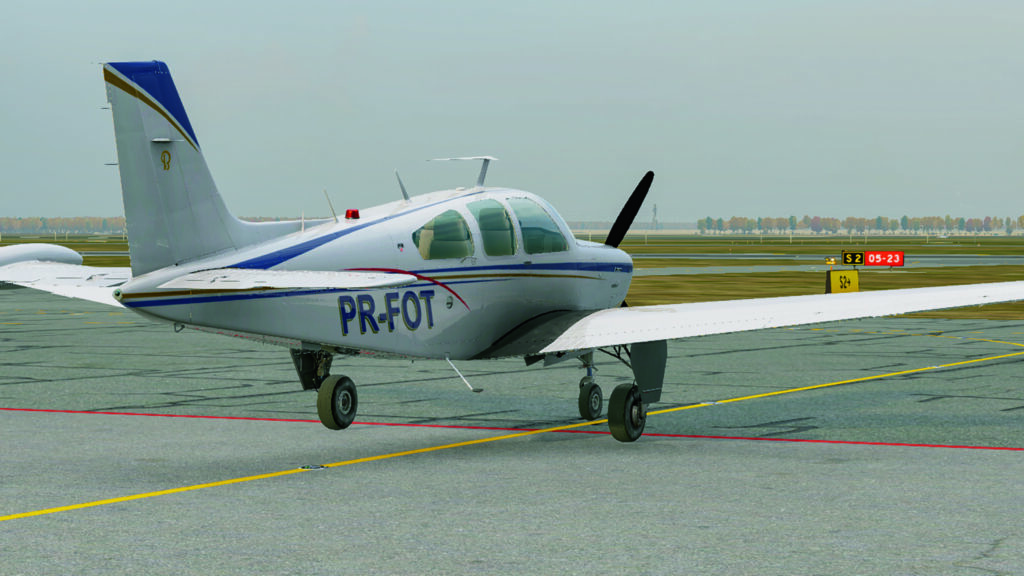
he Bonanza arrives with an impressive livery package, delivering a strong blend of ready-made schemes and deep customisation tools. Out of the box you’ll find five default liveries, each modelled on actual country-registered aircraft, giving you a good variety of finishes straight away, but beyond that, the in-sim editor offers dynamic livery creation and editing. You can not only edit tail-numbers (or disable them altogether) but also build your own paint schemes from scratch: choosing any colour for any available segment of the airframe, adjusting metallic vs matte finishes, introducing varying levels of dirt or wear and tear, and previewing your results in real-time before committing them.
The customisation depth is significant: for example, the editor supports export of your custom livery in multiple resolutions (4k, 2k, 1k) and gives you the choice of using your CPU or GPU for processing, depending on your system. The tail number is rasterised directly into the texture (rather than relying on a decal overlay) which means your registration appears in-scheme and saves correctly. The inclusion of built-in dirty/grime control and metalness/roughness sliders extends the realism further: you could realistically simulate a year-old private Bonanza or a freshly painted one, and switch between them at will.
The customisation options also work well against XP12’s lighting engine. The Bonanza’s exterior lighting is impressively well done, featuring bright, realistic lights including powerful taxi lights that make navigating dimly lit airfields easy. The landing lights are equally strong, and the navigation lights stand out clearly during night operations.
Flying in VR
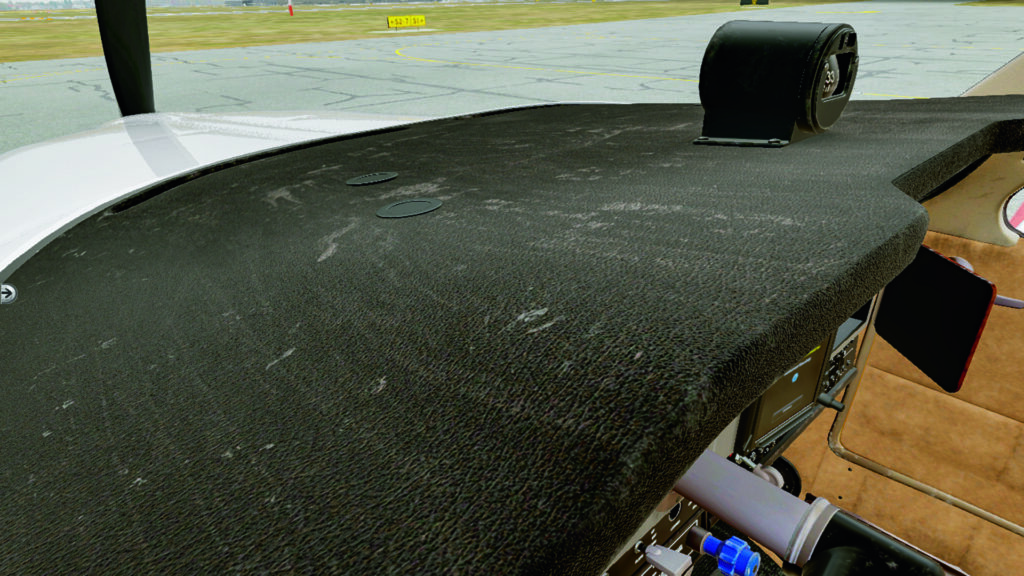
Flying the Bonanza in VR is an entirely different experience – I rarely return to 2D mode. The interior textures look stunning, and the view of the detailed left wing right out of my left window adds impressive realism. Operating cockpit controls is intuitive using a mouse or VR controllers, though digital screens like the EFB can’t be interacted with directly.
Fortunately, there’s an easy workaround: pop out the desired screen, manage it externally, then close it again. Personally, I’ve assigned yoke and panel buttons to handle these pop-out functions seamlessly.
Conclusion
The longest trip I’ve flown in this aircraft was from Amsterdam Schiphol (EHAM) to London City Airport (EGLC), a smooth, sub-two-hour IFR flight (around 200nm) with an ILS approach that worked flawlessly. Most of my regular flying, though, is training takeoffs and landings at Teuge (EHTE), a charming small Dutch airport (and home to FSWeekend!). One of my favorite short hops, whether under VFR or IFR, is to Lelystad Airport (EHLE), with a simple flight plan prepared in SimBrief and seamlessly imported into my TDS avionics module.
Priced under $40 during promotions, this aircraft delivers outstanding value for the level of realism and attention to detail it offers. In fact, I’d argue it’s worth more than its tag price. As always, Thranda continues its tradition of keeping their aircraft both high-quality and surprisingly affordable.
I’d highly recommend this aircraft for both training and leisure flights. Whether you’re practising procedures, enjoying the scenery on short hops, or seeking a calm, relaxing flight, it performs beautifully. Even in challenging weather, you can count on it to handle precision approaches with confidence and realism; the customisation options on the panel and with the livery generator ensure there’s plenty of variation on offer.
Leave a Reply